Player docs · ChestUI and Dialog
Understand the entry points, pages, and input methods of the two UIs.
Choosing a UI
/dominion ui chest
/dominion ui dialog
/dominion ui default
The choice is saved as the player’s own UI preference. default restores the server default. The server default is controlled by:
ui:
  default: CHEST
Allowed values are CHEST and DIALOG.
Dialog: the native dialog UI
Dialog uses the native dialog capability provided by the server. The pages are more compact and suit directly reading claim information, forms, and buttons.
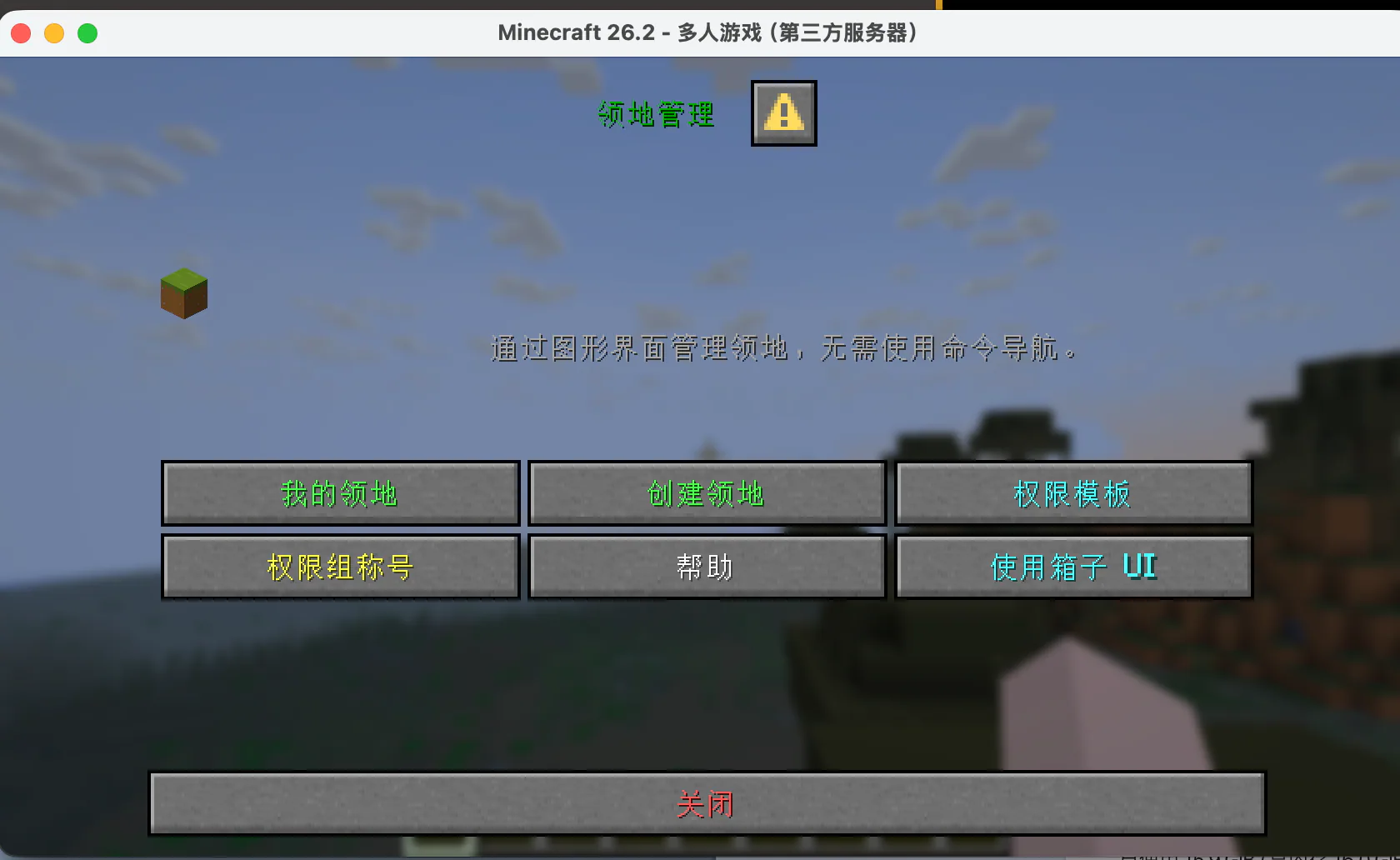
Dialog main menu: My Dominions, Create a Dominion, permission templates, group titles, and switch to ChestUI.
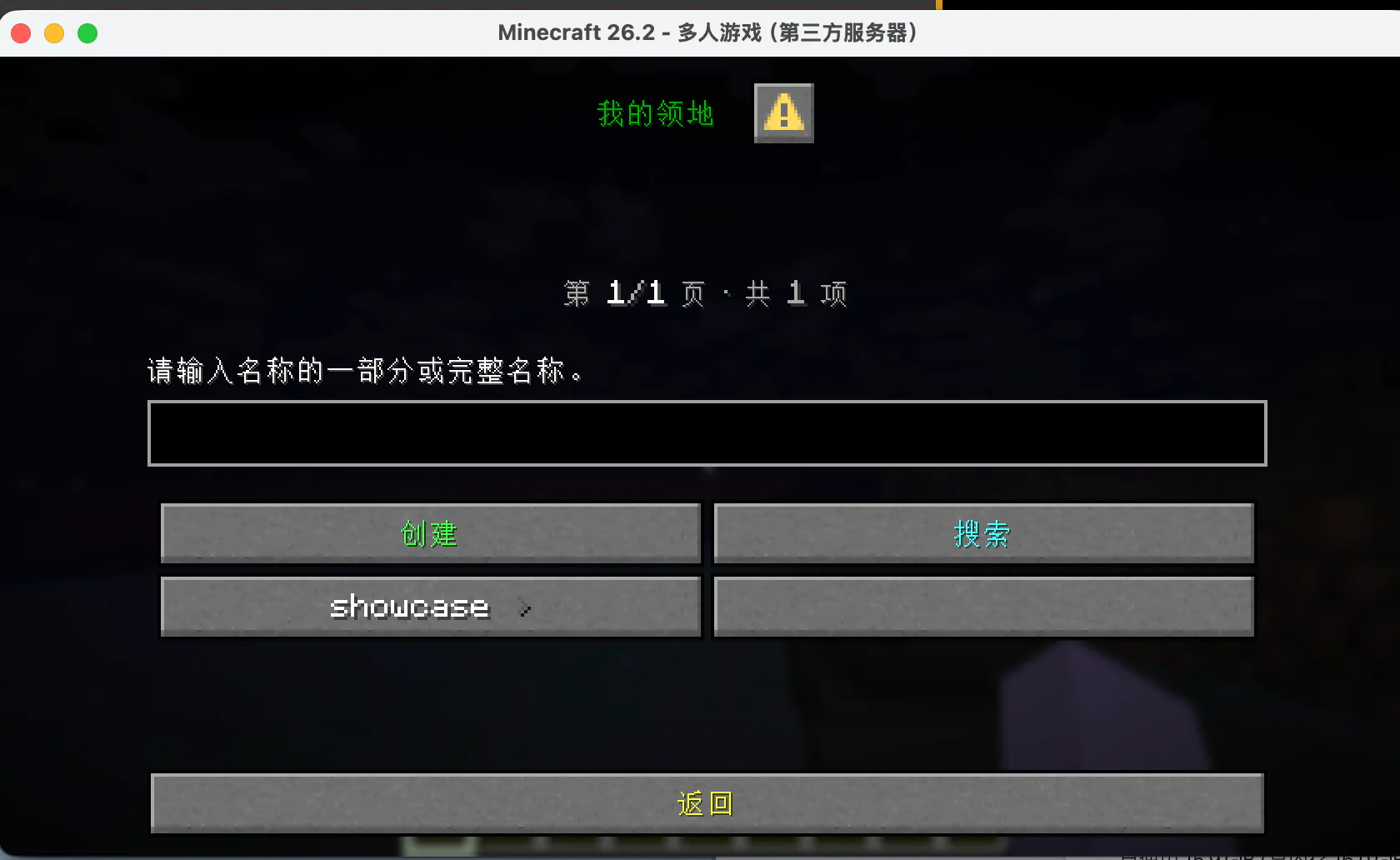
My Dominions: search and select a dominion you can manage.
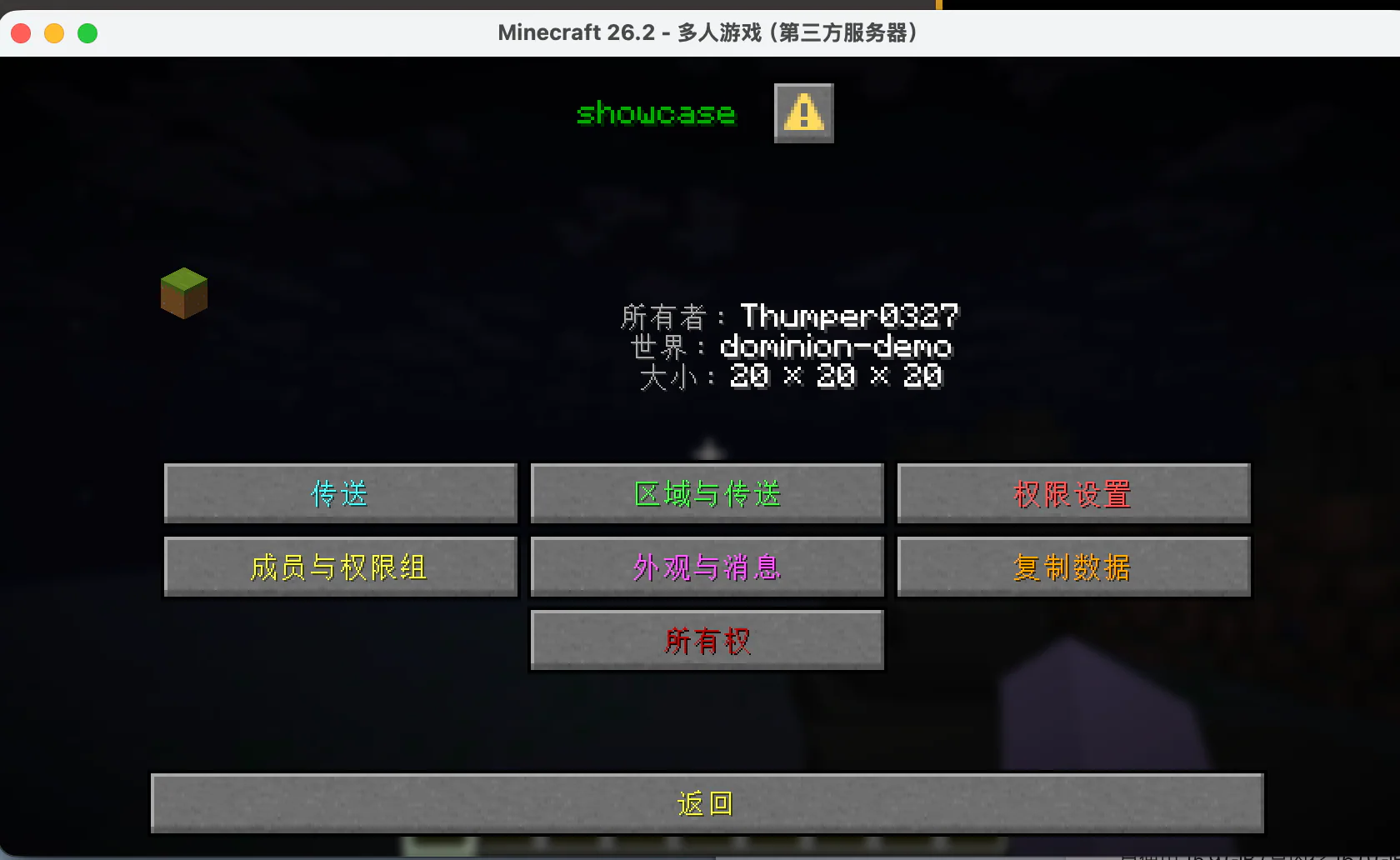
Dominion dashboard: view the owner, world, and size, and enter the area, permissions, members, appearance, copy, and ownership pages.
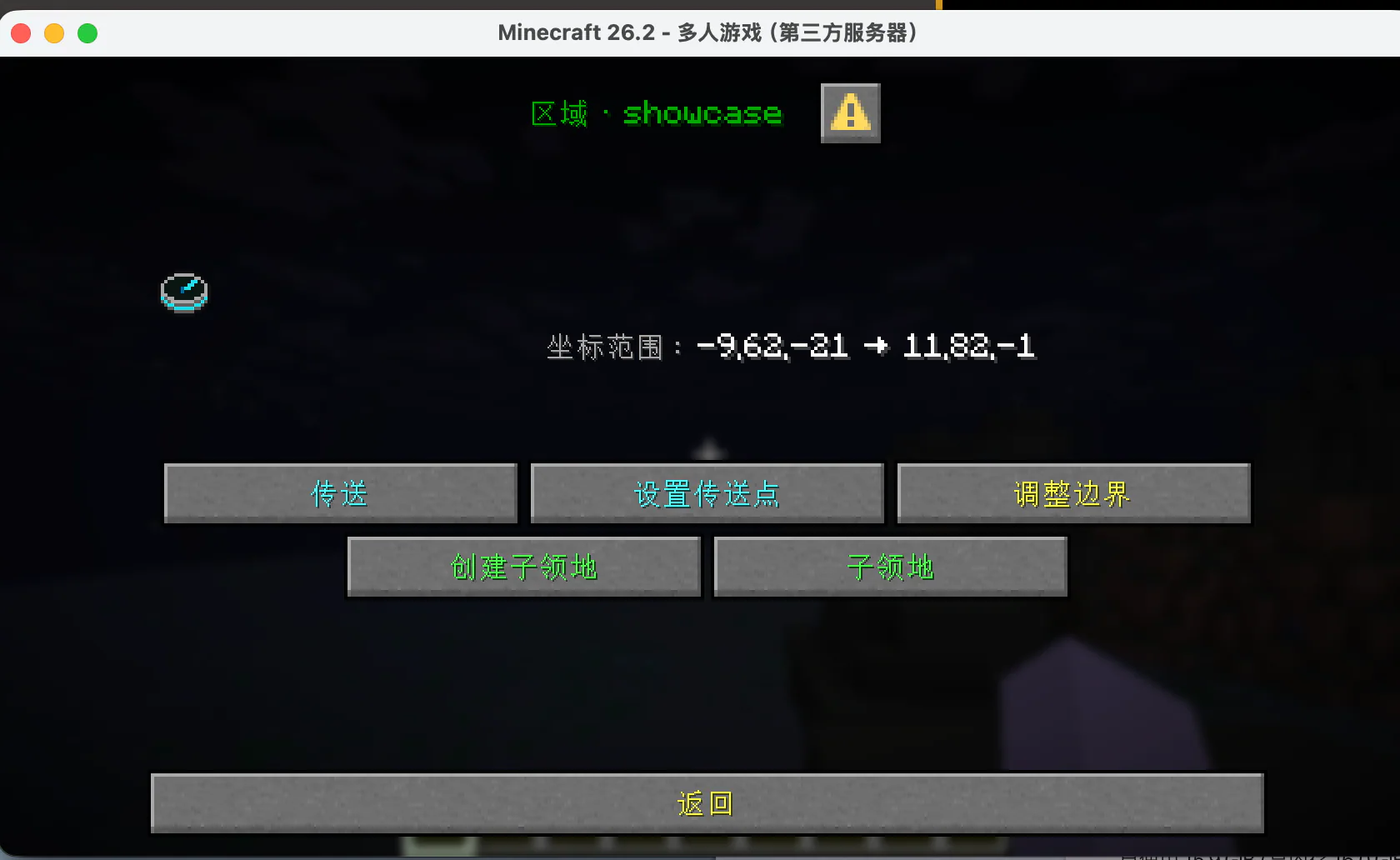
Area and teleport: set the teleport point, teleport, resize the boundary, create sub-claims, and view sub-claims.
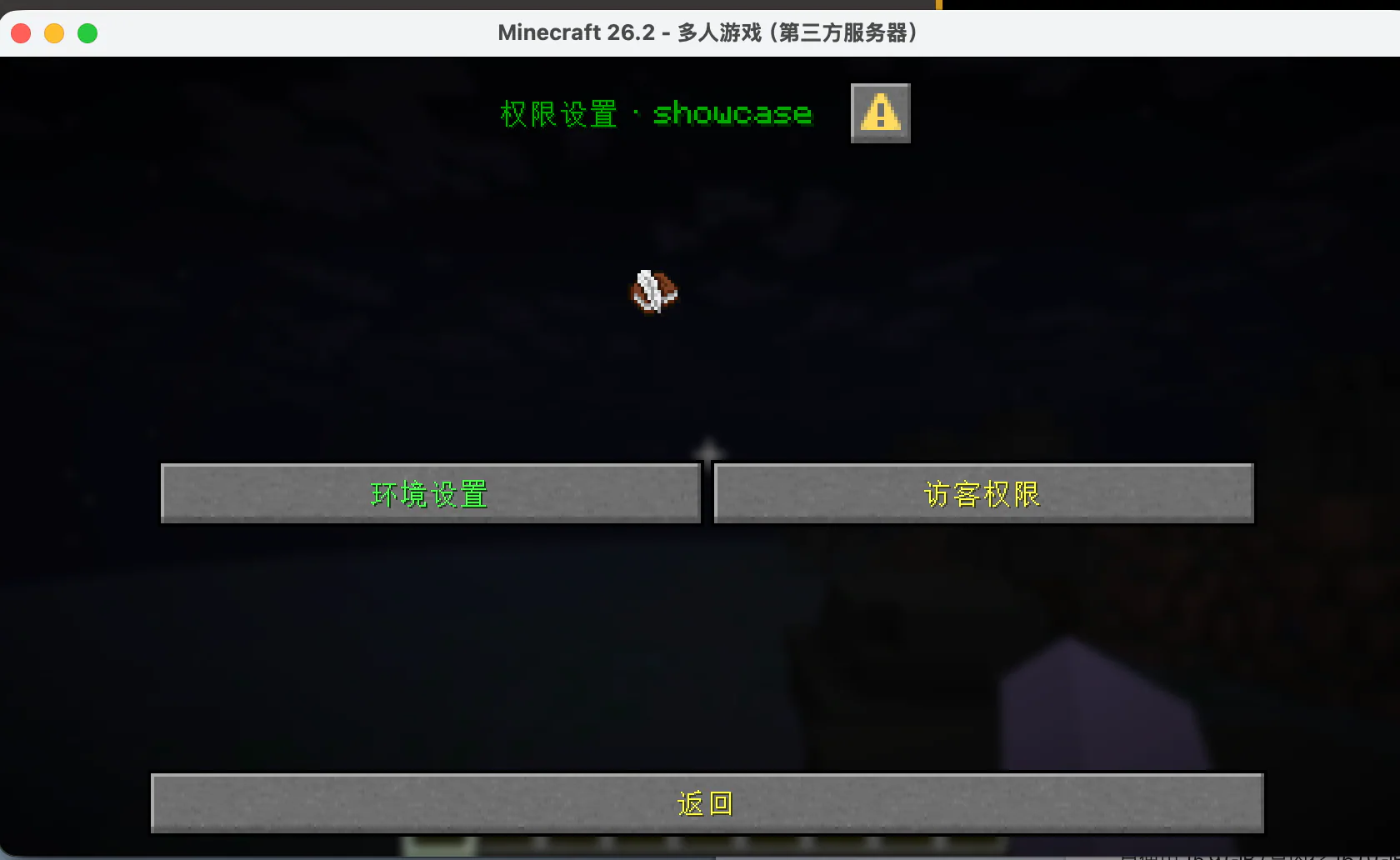
Permissions: manage environment rules and guest permissions separately.
Input fields on Dialog pages (claim name, message, map color, resize values, etc.) open a client form. Confirm the target name before submitting; canceling the input does not modify existing data.
ChestUI: the container menu UI
ChestUI uses the Minecraft inventory grid to represent menus. It suits servers where Dialog is unavailable, and players who prefer working with item icons:
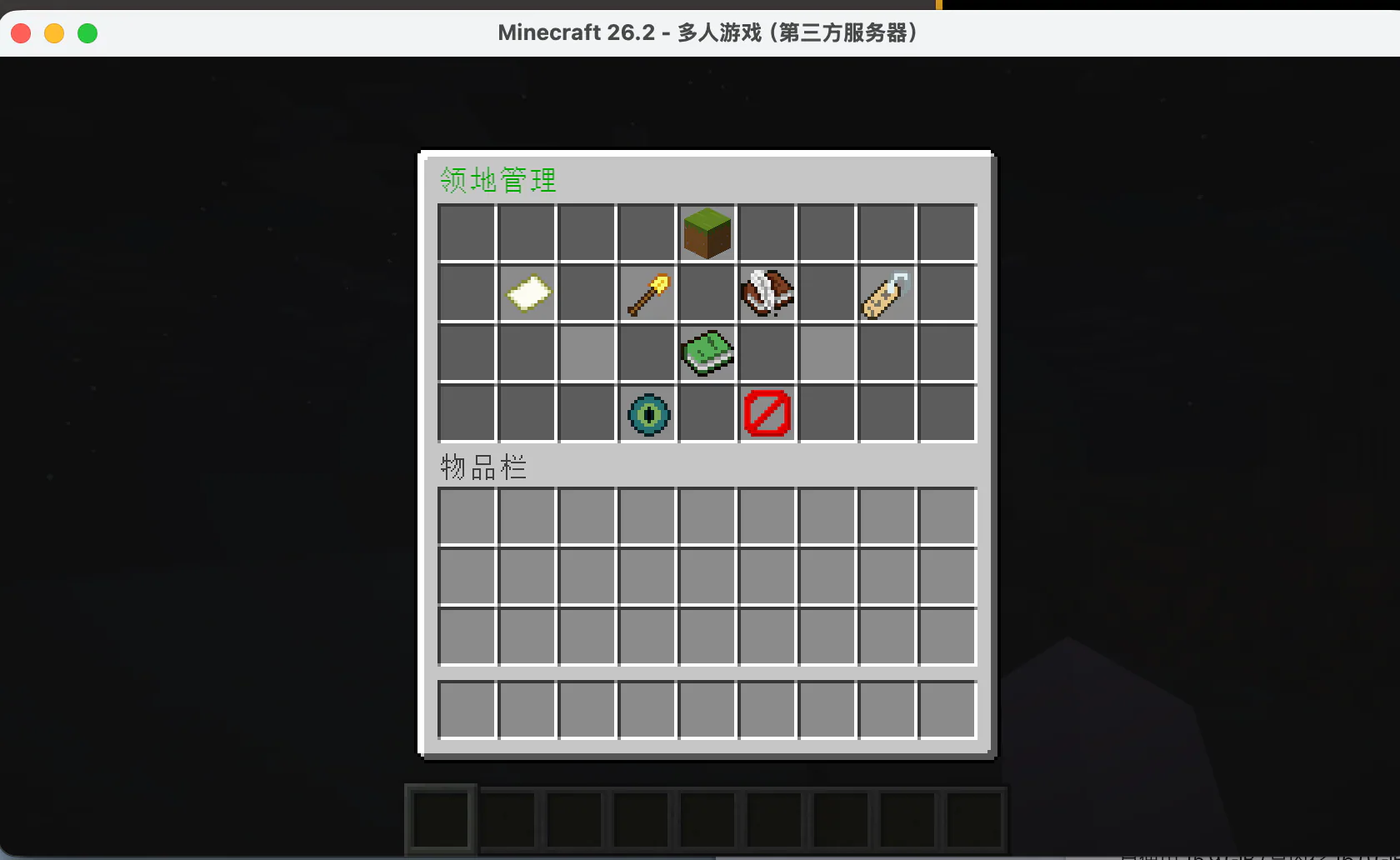
ChestUI main menu: use icons to enter My Dominions, Create, Templates, Titles, and other features.
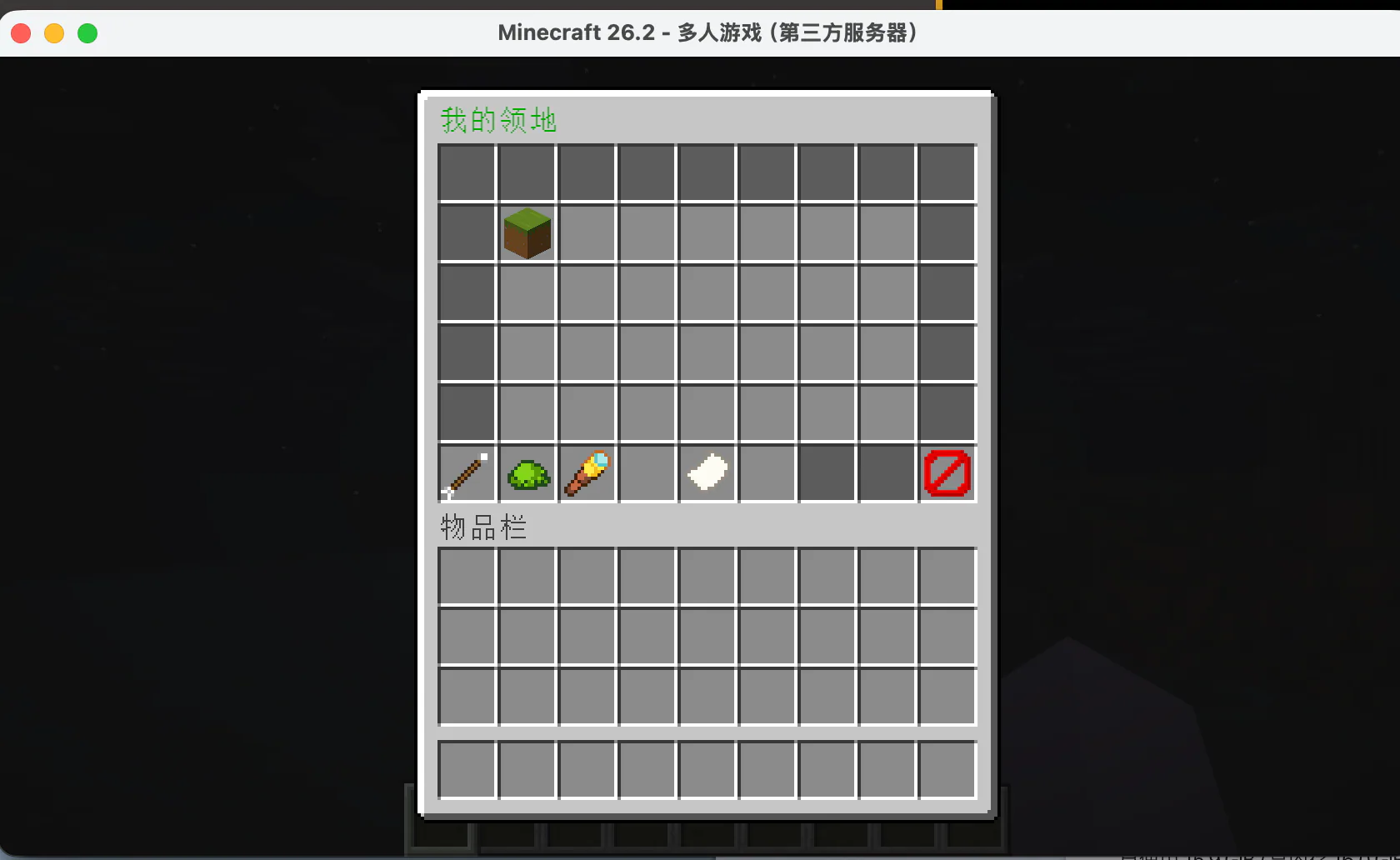
ChestUI My Dominions: choose the dominion to manage.
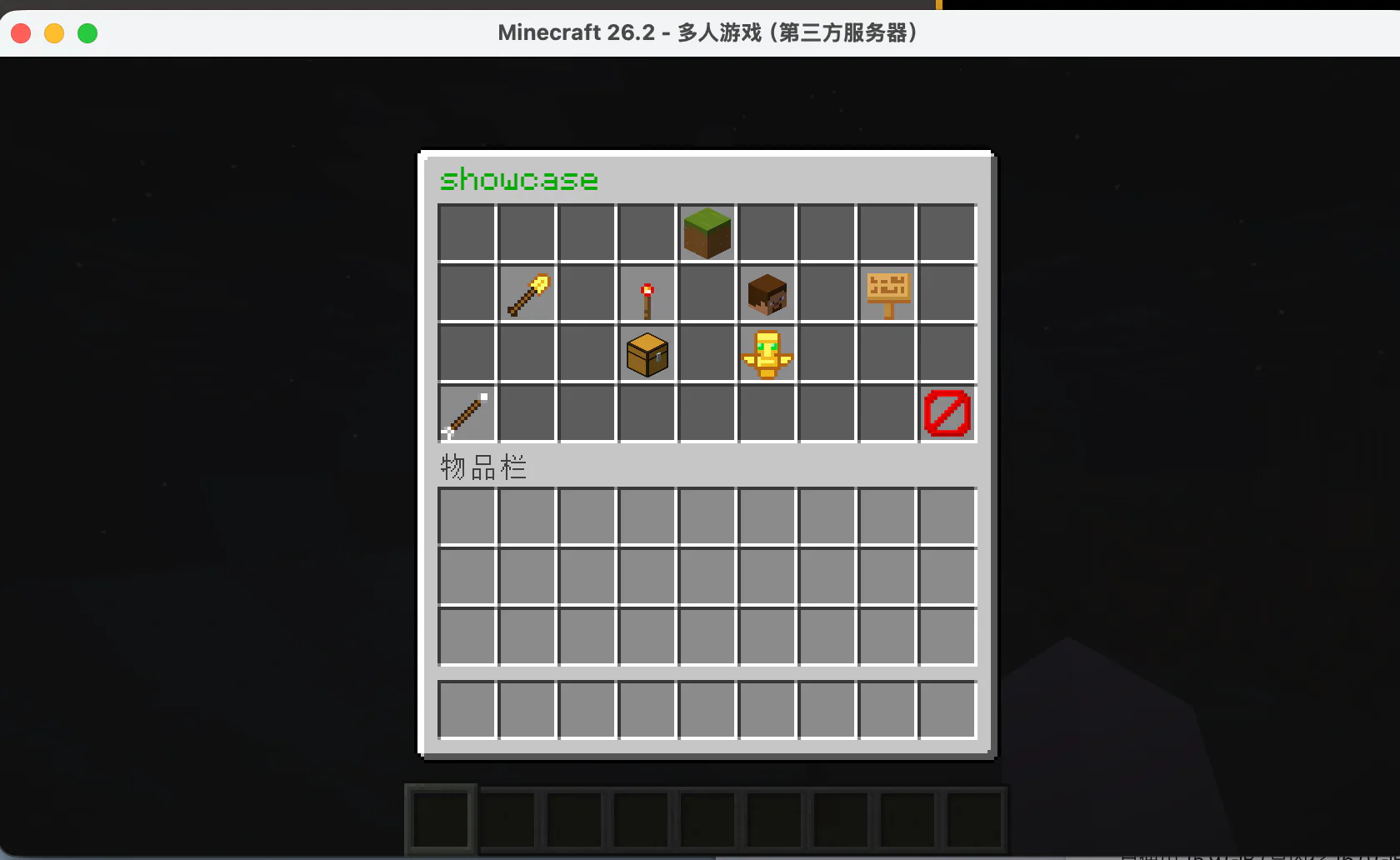
ChestUI dashboard: enter the permissions, members, area, appearance, copy, and ownership pages.
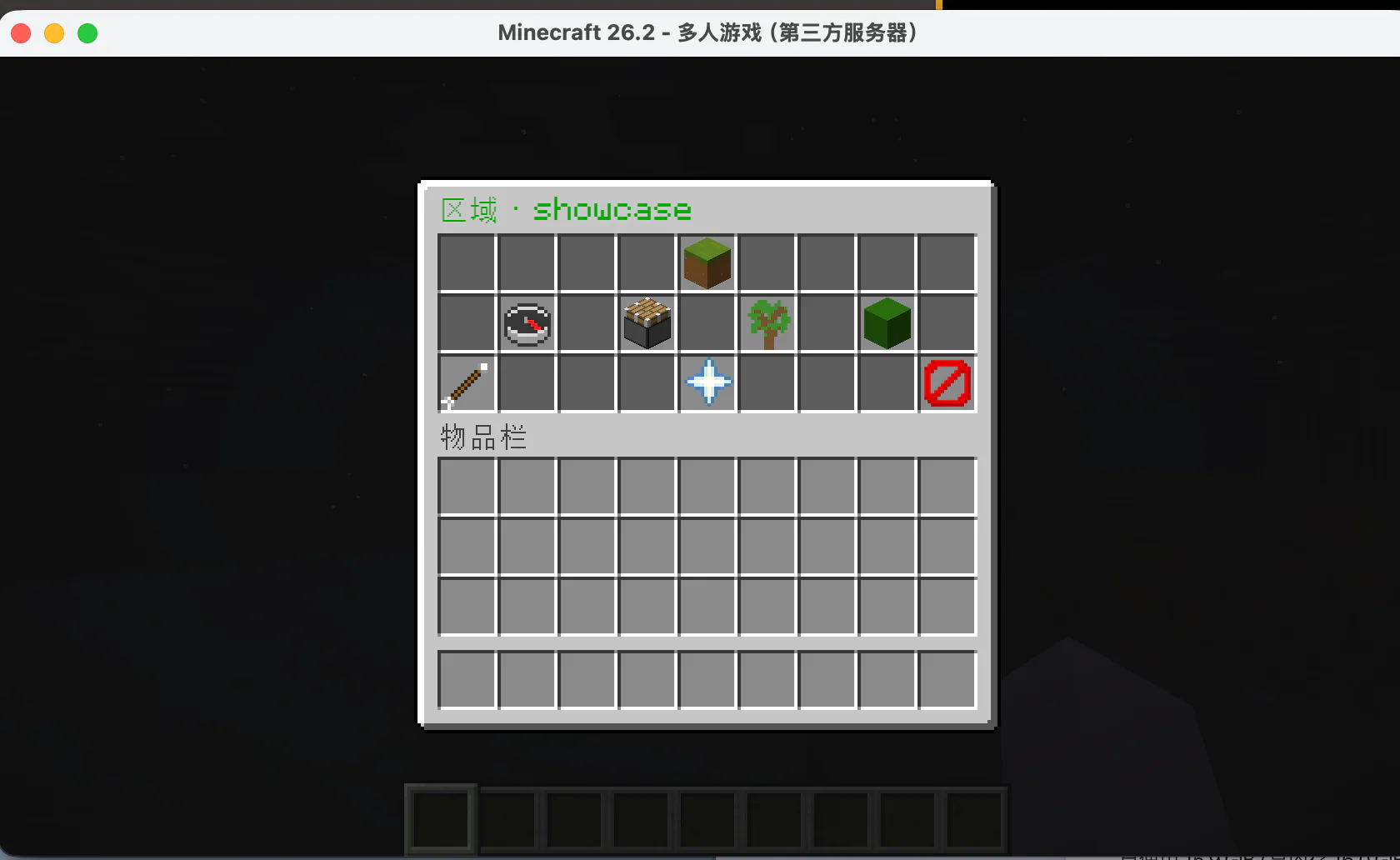
ChestUI area settings: manage the teleport point, resizing, and sub-claims.
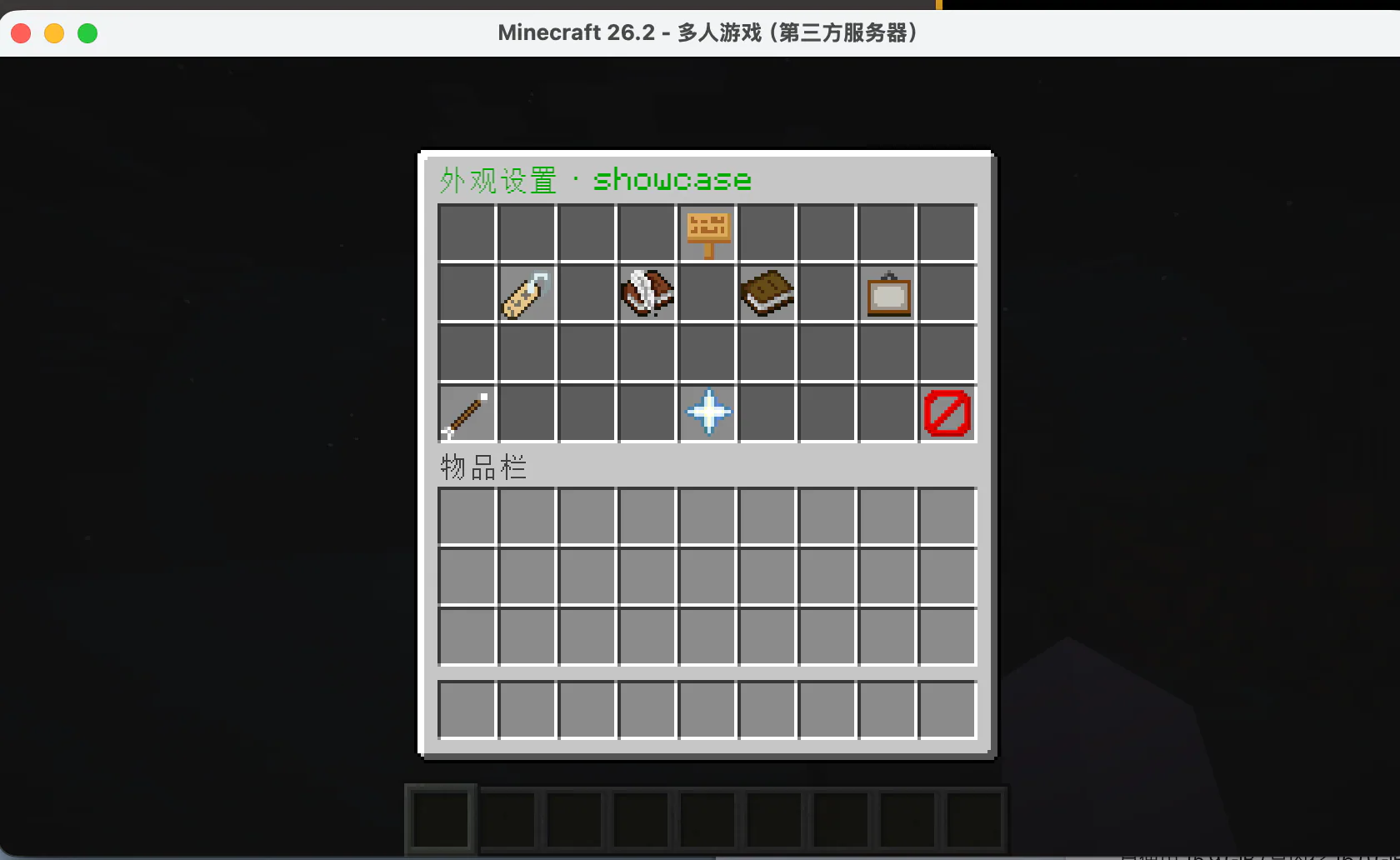
ChestUI appearance settings: change the name, enter/leave messages, and map color.
Text input in ChestUI usually closes the inventory and asks the player to type in chat; the plugin then refreshes the menu after the input finishes. Do not run other management commands while typing, or the chat content may be mistaken for a configuration value.